


The installed plugins and themes usually come with predefined text strings like, submit, read more, add to cart, event details, or search results. These strings are stored inside the plugin or theme’s .po and .mo files.
Using AutoMLP – AI Translation for WPML, you can easily translate these strings automatically via AI. Follow the steps below:
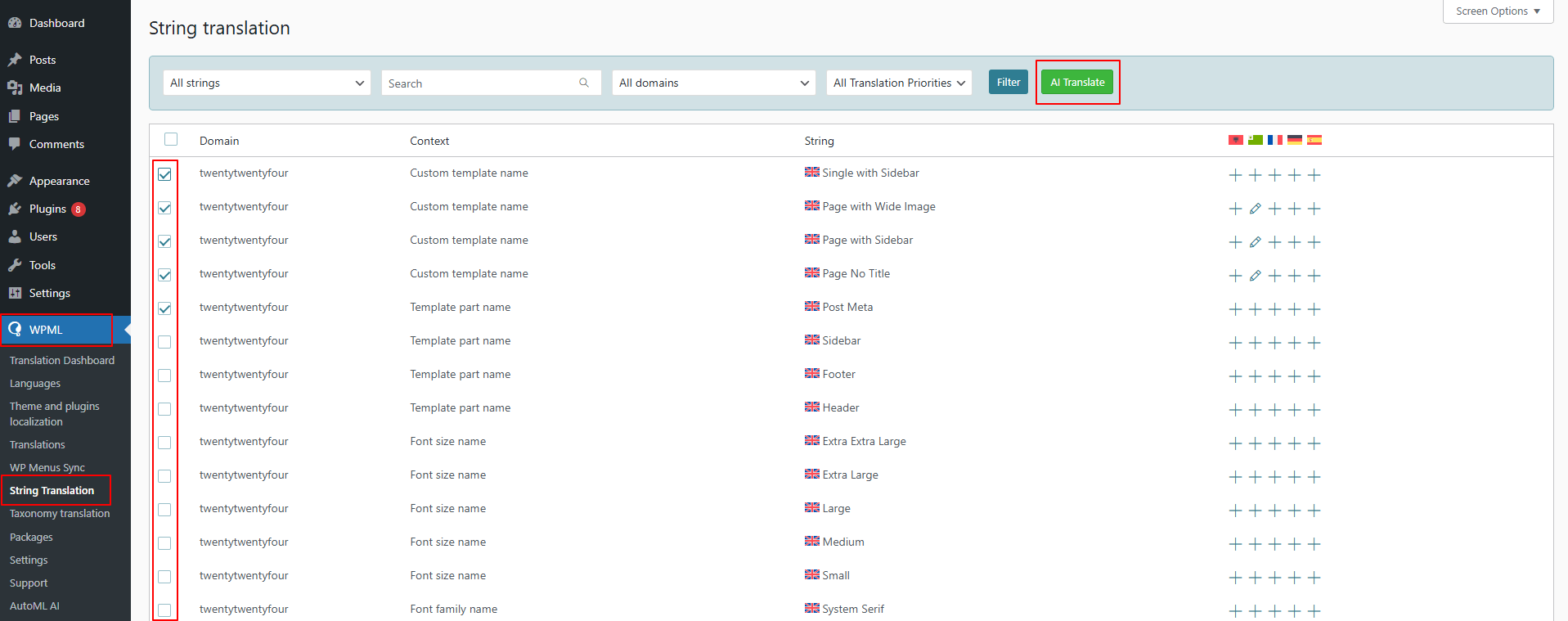
- From your WordPress dashboard, navigate to WPML > String Translation.
- Use the checkboxes to select one or more string you wish to translate.
- Once selected, click the AI Translate button at the top.
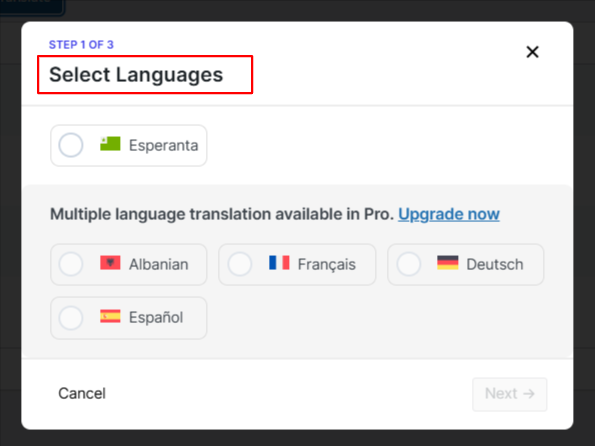
- A pop-up will appear, select the language you want to translate your strings into.
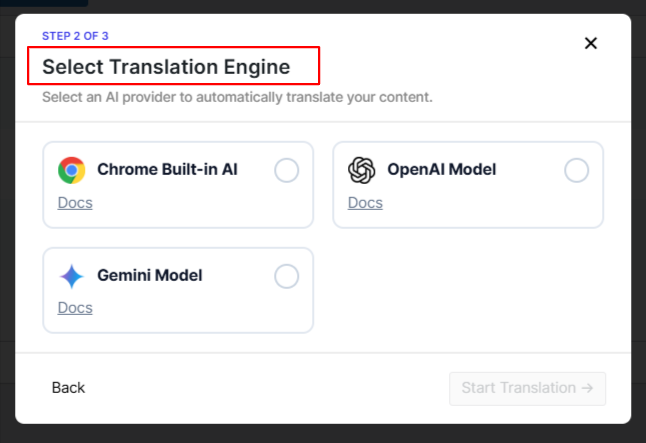
- Next, choose the desired translation engine: Gemini AI, OpenAI, or Chrome built-in AI.
- The translation process will begin automatically.
- After the process is complete, you can review the strings translation.