

If you’re using WPML to translate your website, you can also use AutoMLP – AI Translation For WPML to translate the webpages using OpenAI.
Why Use OpenAI?
OpenAI is a powerful AI translation provider that helps you generate accurate and natural translations for your website.
Unlike basic translation tools that only convert words, OpenAI understands the meaning and context of sentences, which helps produce accurate translations in the target language, maintaining clarity and consistency across all translated content.
Automatically Translate Page
Follow the steps below to automatically translate your webpage content using Chrome’s built-in AI:
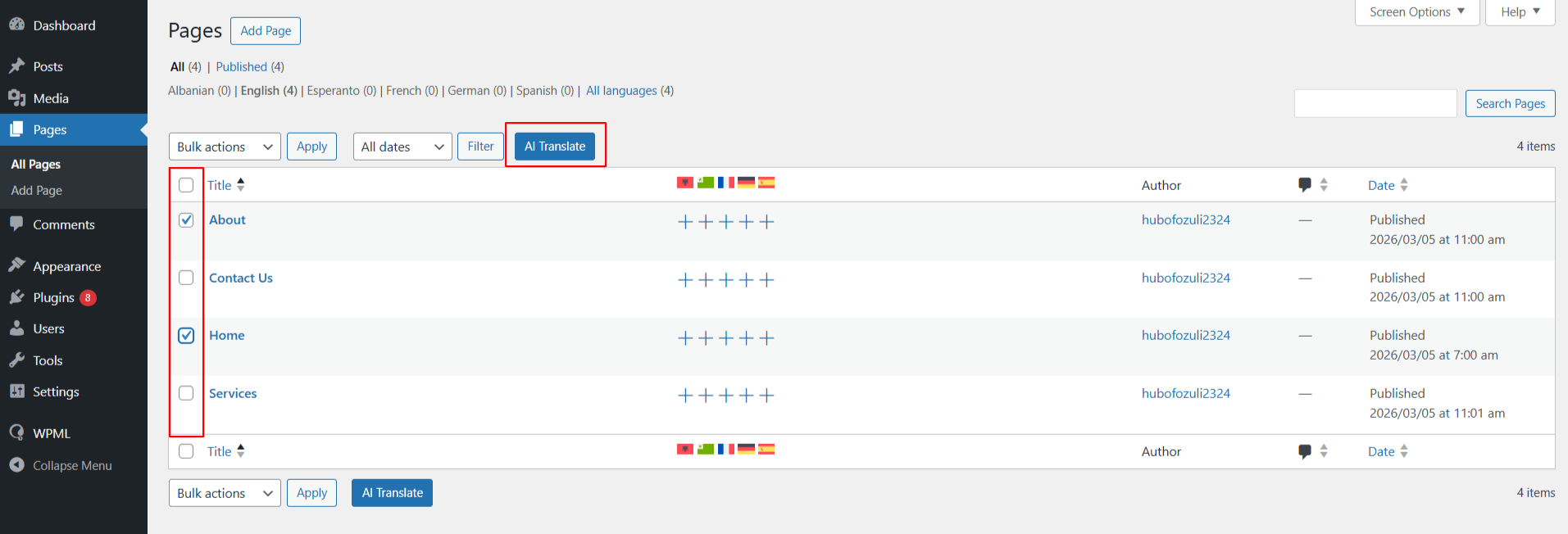
- Go to WordPress Dashboard > Pages. Use the checkboxes to select one or more pages you wish to translate.
- Once selected, click the AI Translate button at the top.
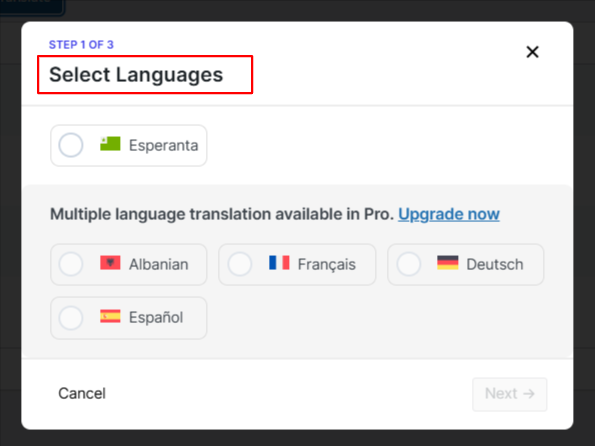
- A pop-up will appear, select the language you want to translate your content into.
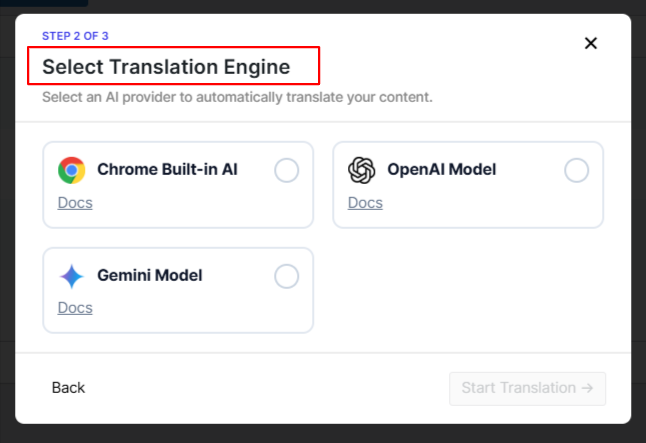
- Next, choose OpenAI as the translation engine.
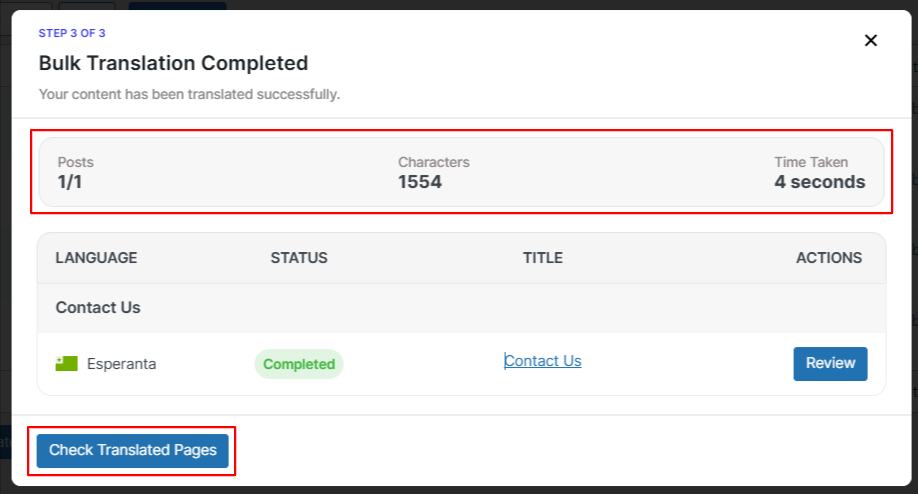
- The translation process will begin automatically.
- After the process is complete, you can check the translated versions of the selected pages.