

Using the AutoPoly – AI Translation For Polylang, you can easily translate your Divi pages/posts automatically via Yandex Translation Widget, Google, Gemini, OpenAI, DeepL, or Chrome’s built-in AI.
Follow the steps below to automate translation:
- Install and activate the
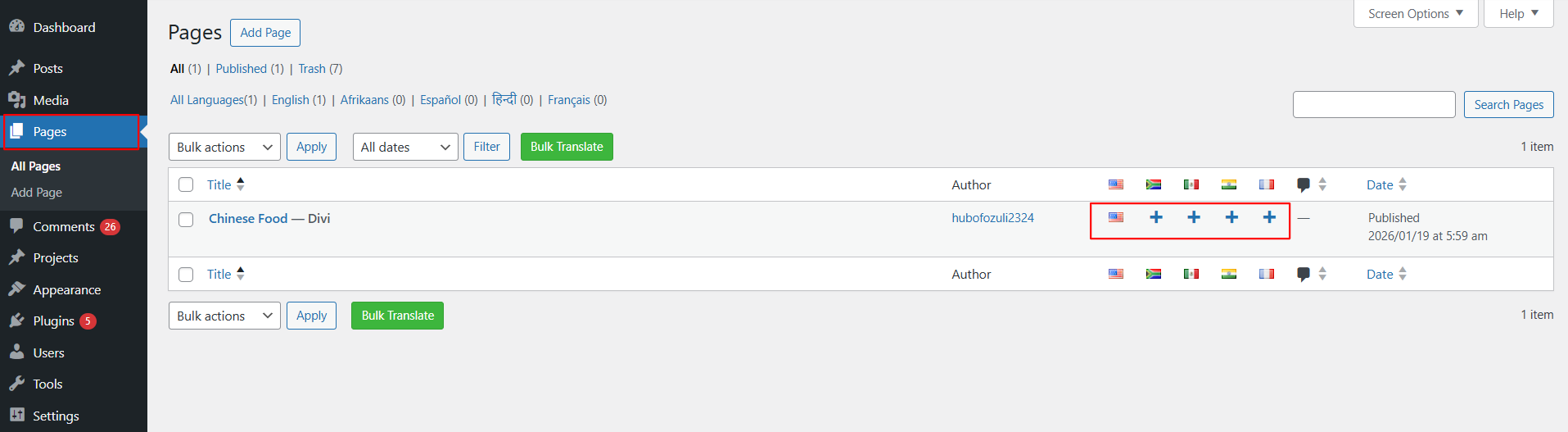
Polylang pluginand theAutoPoly - AI Translation For Polylangon your WordPress website. - Navigate to the pages section and select the target translation language from the list of available languages provided by Polylang.
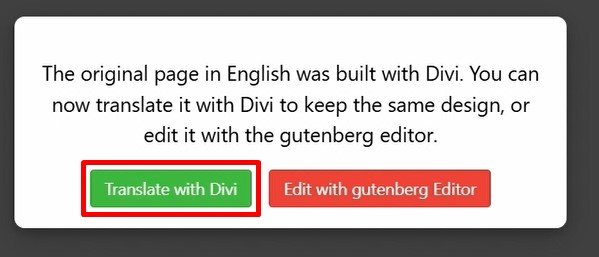
- When you translate a page that was originally built using Divi, a prompt will appear.
- Select Translate with Divi.
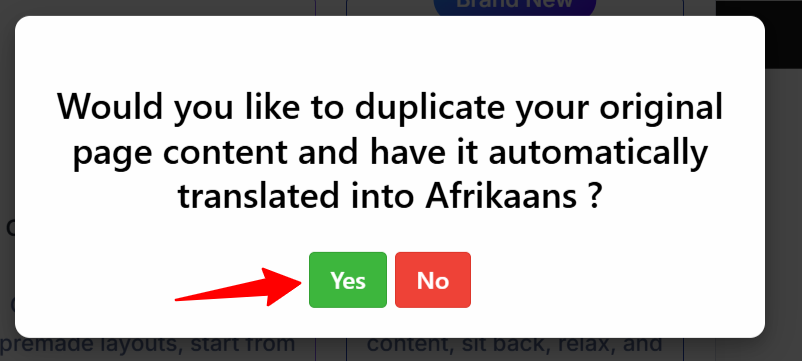
- A prompt will appear asking if you want to duplicate the original page content. Select “Yes”.
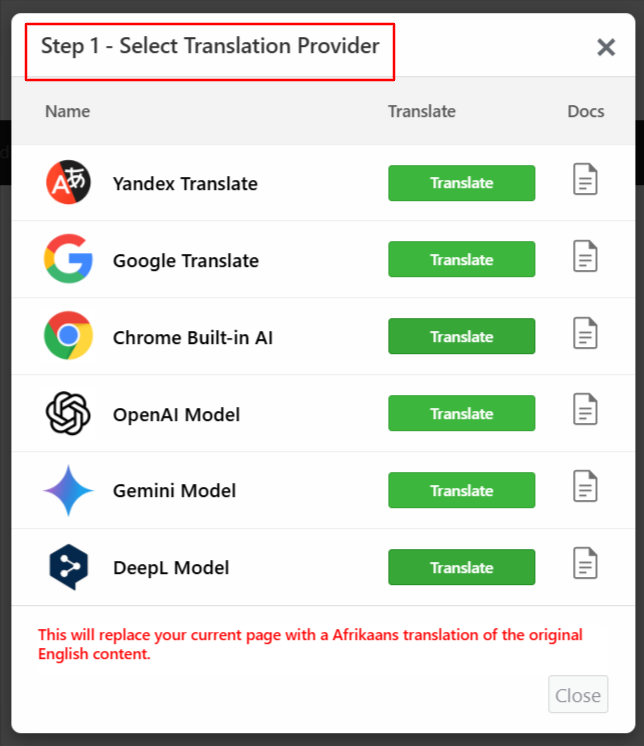
- A prompt will appear to select the translation provider. Choose one according to your preferences.
- Once selected, a tab containing both the source text and translation text will appear.
- Click Translate. The translation process will begin, and wait for a few minutes.

- After the translation completes, click Update Content.
- Lastly, publish your page and preview it or make manual edits to adjust translations for better accuracy.
That’s it! You have successfully translated your Divi webpage using the AutoPoly – AI Translation For Polylang.