

The Bulk Translation feature in the AutoPoly – AI Translation For Polylang plugin allows you to automatically translate all your existing WordPress content, such as pages, posts, and custom post types, using AI.
Follow these simple steps to translate multiple pages at once using AutoPoly – AI Translation For Polylang:
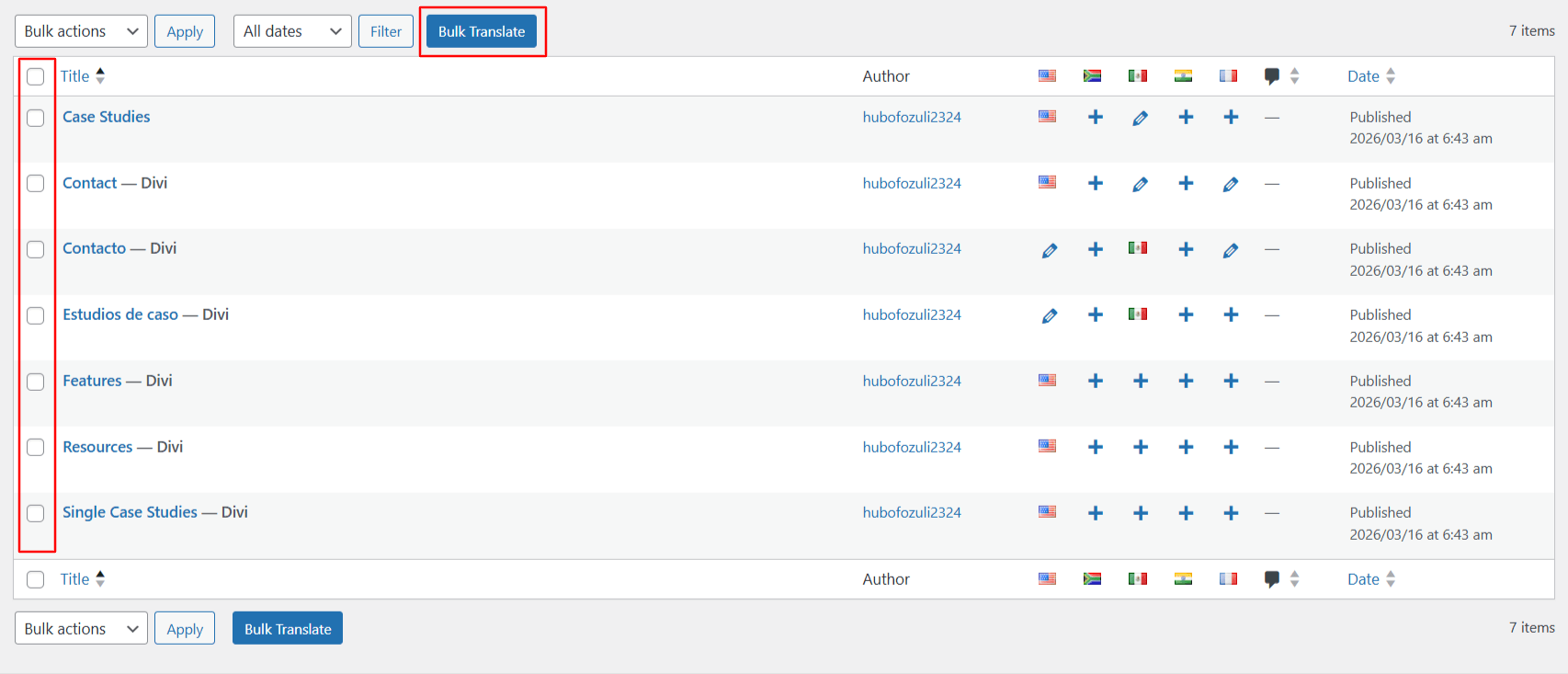
- Go to WordPress Dashboard > Pages. Use the checkboxes to select one or more pages you wish to translate
- Once selected, click the Bulk Translate button at the top.
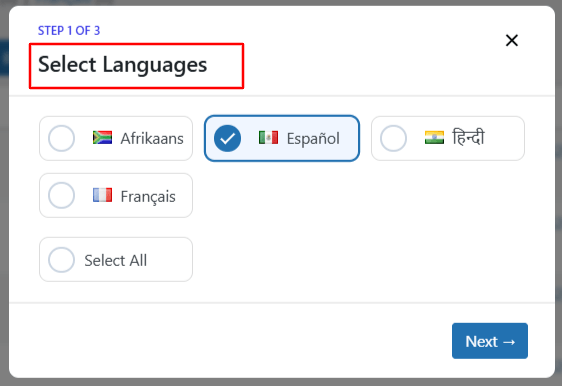
- A pop-up will appear, select the language you want to translate your content into.
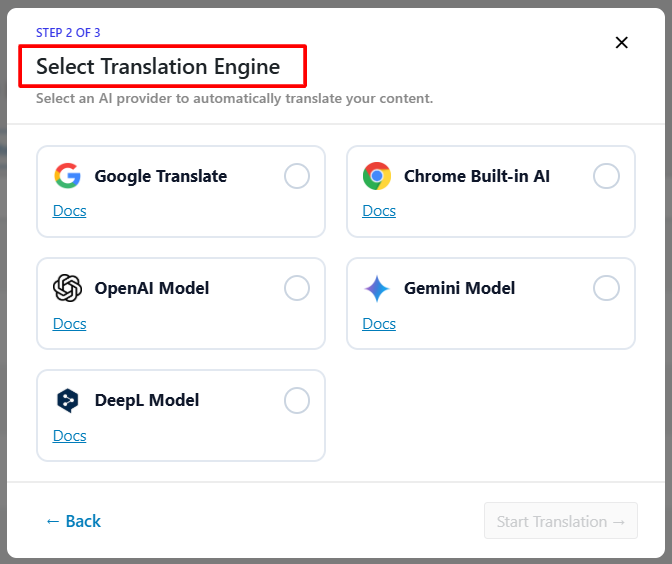
- Choose your preferred AI translation service (e.g., Google Translate, Chrome built-in AI, OpenAI, Gemini, or DeepL).
- The translation process will begin automatically.
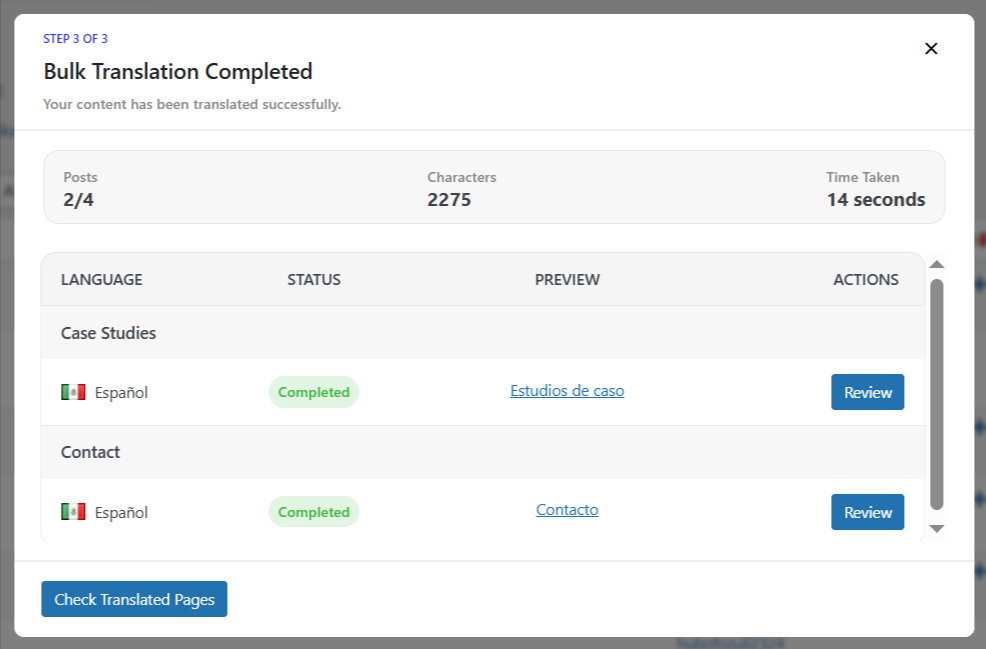
- After the process is complete, check the translated versions of the selected pages.