

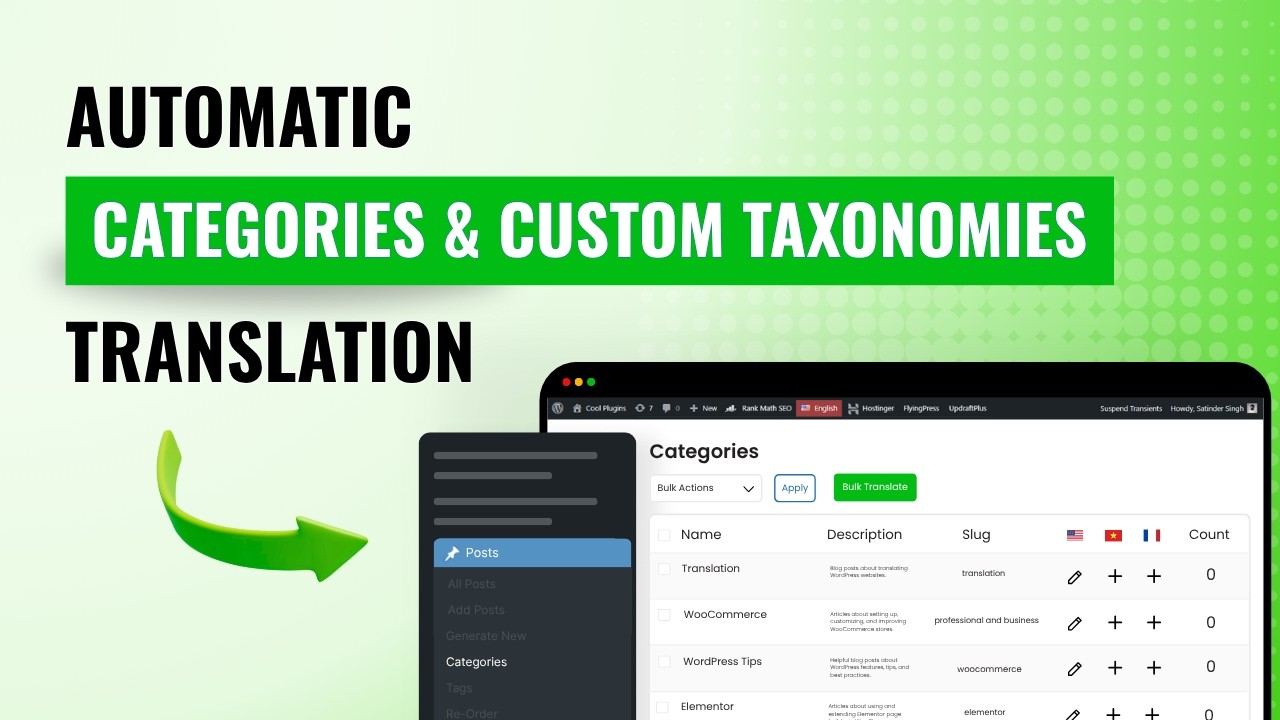
Using AutoPoly – AI Translation for Polylang, you can easily translate your website’s categories, tags and custom taxonomies all at once using the Bulk Translation feature.
Note: If you have assigned categories, tags or custom taxonomies to pages, posts, or templates, it is recommended to translate them before translating your content. This ensures that all taxonomy or category terms are already available in the target language, preventing the need to manually update categories, tags, or custom taxonomies for each translated page one by one.
Follow the steps below to translate your categories, tags, and custom taxonomies all at once:
Enable Taxonomy Translation
Before using Bulk Translation for categories, tags, and custom taxonomies, make sure you have enabled custom categories, tags, or custom taxonomies for translation:
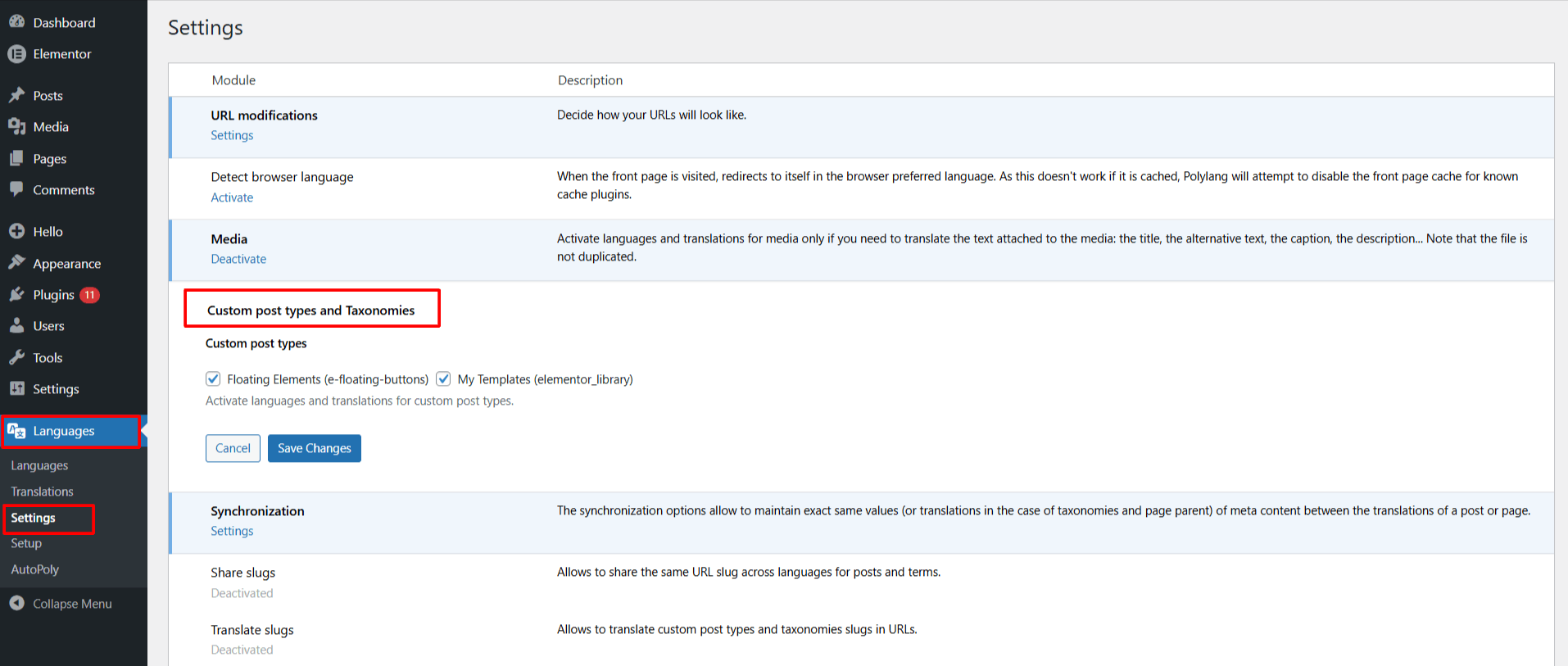
- Go to Languages > Settings in your WordPress dashboard.
- Scroll to the Custom Post Types and Taxonomies section.
By default, categories and tags are already supported. However, if your website uses custom taxonomies (created by themes or plugins), you must manually enable them here for translation.
Bulk Translate
- From your WordPress Dashboard, navigate to Posts > Categories.
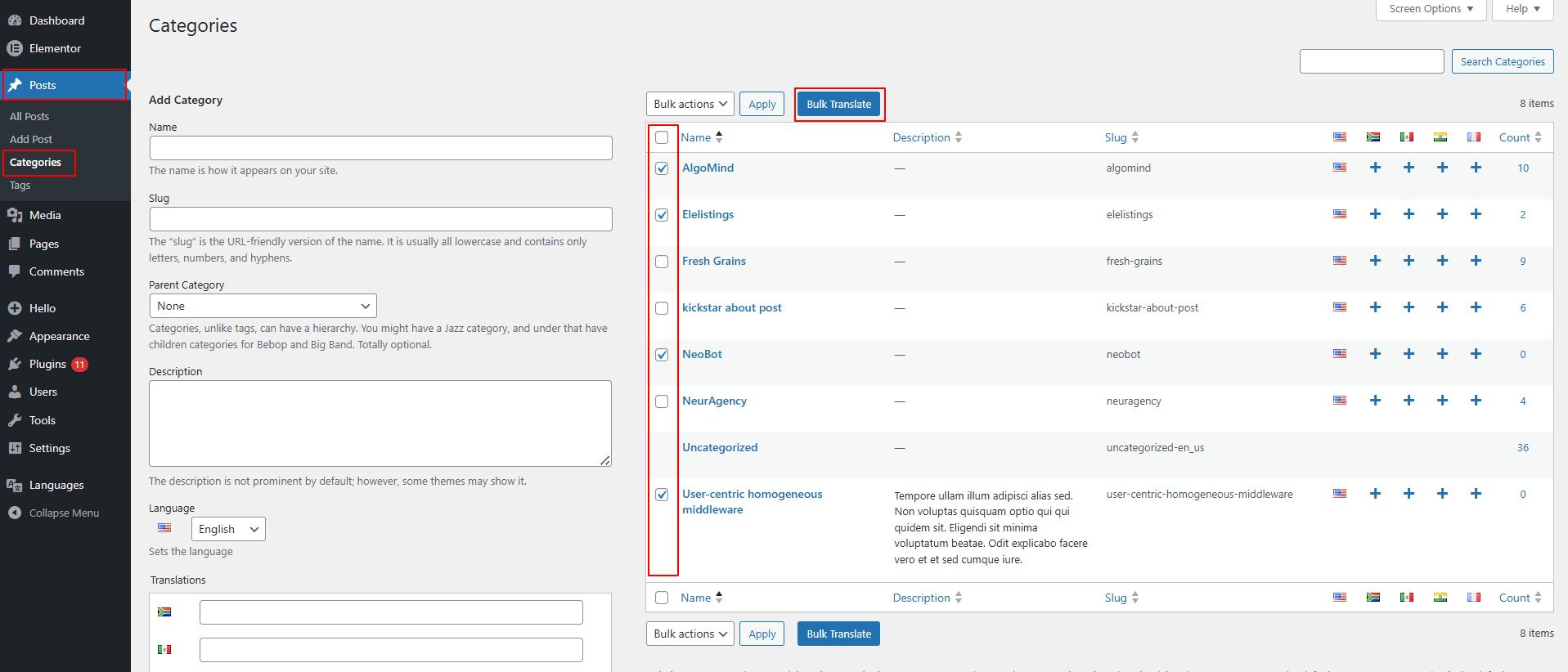
- Use the checkboxes to select one or more categories you wish to translate.
- Once selected, click the Bulk Translate button at the top.
- A pop-up will appear, select the language you want to translate your categories into.
- Next, choose your preferred AI translation service.
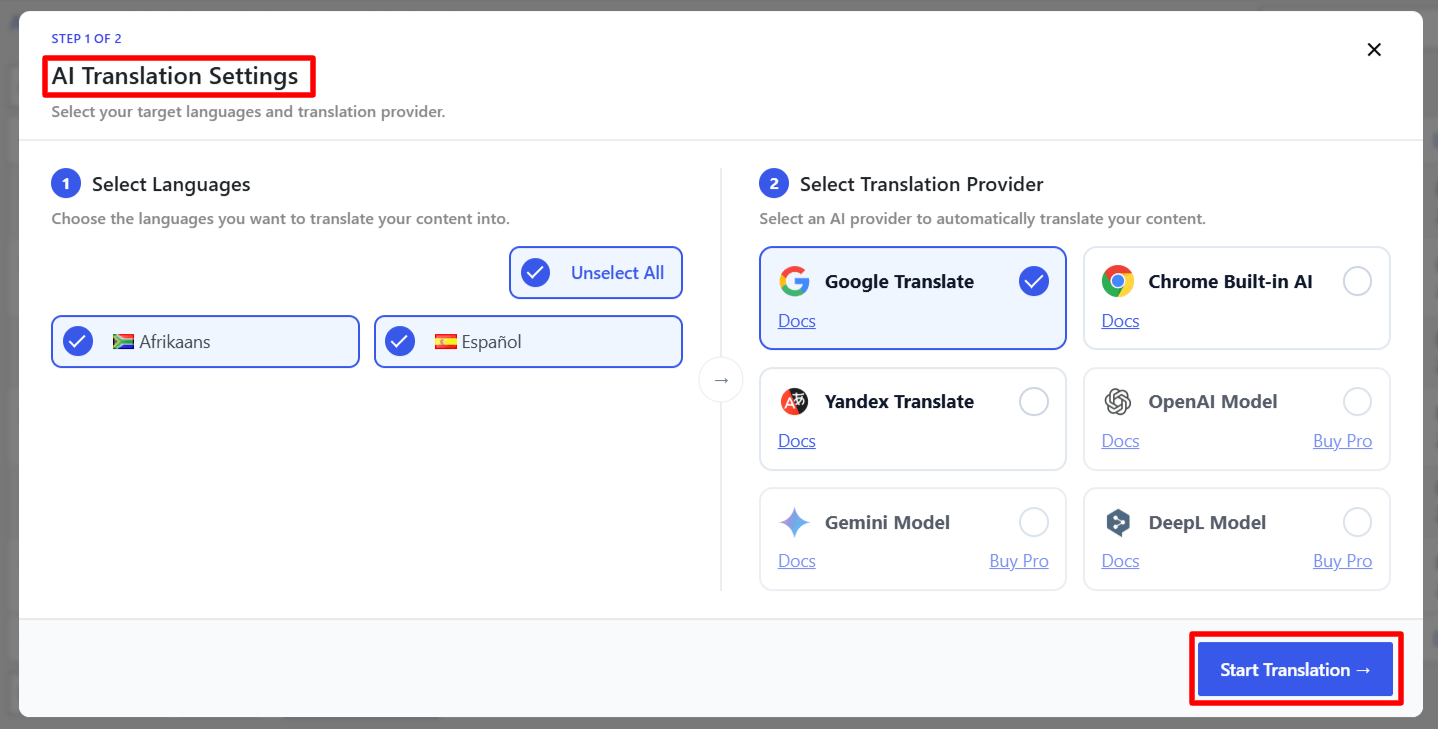
- The translation process will begin automatically.
- After the process is complete, you can check the translated versions of the categories.
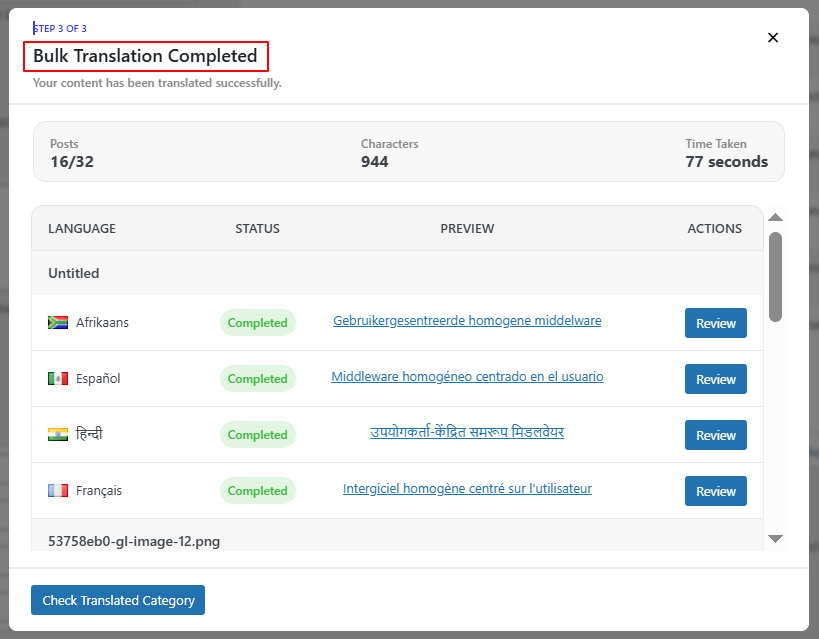
That’s it! You’ve successfully translated your categories, tags, and custom taxonomies in bulk.